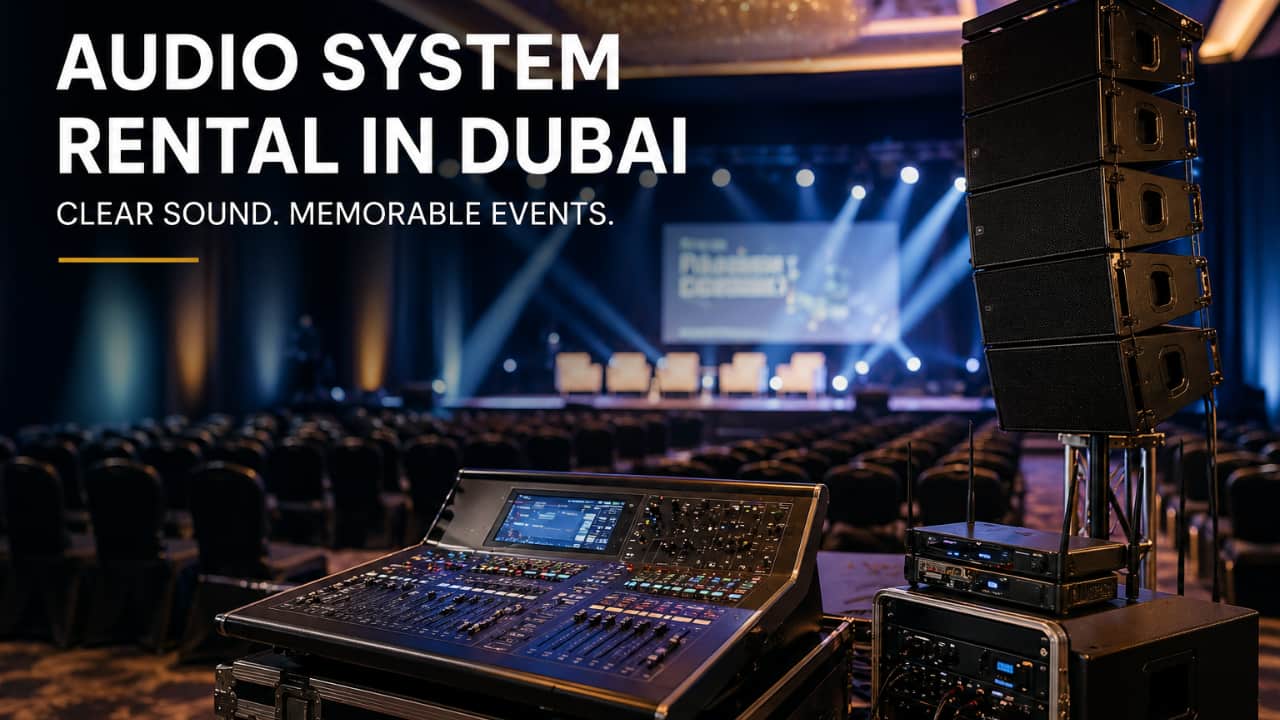
You have the date locked, the venue booked, and a room to fill. Now comes the part nobody warned you about: deciding what to actually rent. You are not an audio engineer, and you do not want to become one, but the invoice is yours to sign. Get it wrong and everyone notices. A muffled speaker at the back of a ballroom or a screen no one can read from row ten can undo months of work in front of clients and leadership. Good audio visual rental in Dubai is not about renting the most gear. It is about renting the right gear for your room, your crowd, and your content.
This blog will help you understand what to book by event type, room size, and guest count, so you can request a quote with confidence instead of a shrug.
Here is the mistake most planners make. They open a rental catalog first and try to reverse-engineer their event from the product list. Flip that around. Define three things about your event, and the equipment list writes itself.
Every event leans on a different piece of the setup. Name the priority first, and the rest gets easier.
A conference or seminar lives on clear audio. If the panelists cannot be heard, the agenda falls apart.
A product launch lives on visuals. A bright screen and dynamic lighting carry the reveal.
A town hall lives on speech clarity and Q&A microphones, not spectacle.
An awards night lives on atmosphere: big screens, stage lighting, and video playback.
A training session lives on a readable screen and one or two reliable mics.
Once you know which piece matters most, you know where to spend and where to keep it simple.
A 40-person boardroom and a 500-person ballroom are not the same job. The boardroom needs a single screen and a mic or two. The ballroom needs full speaker coverage, a large screen, and stage lighting so the back row sees and hears as clearly as the front.
Under-order, and half your audience misses the moment. Over-order, and you pay for gear that sits in its case all night. Match the setup to the headcount, not to what looks impressive in a quote.
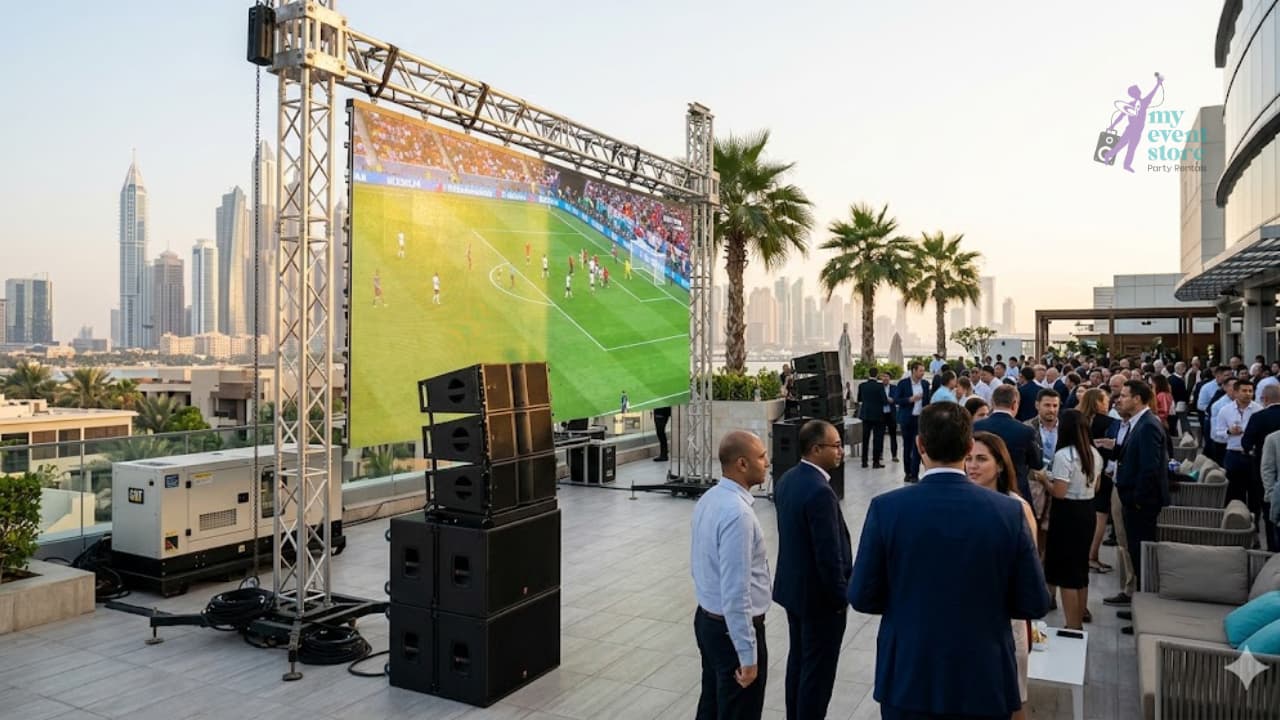
In Dubai, this question carries real weight. A daytime outdoor event faces strong sunlight that washes out projected images, which pushes you toward LED screens and adds serious load to your power planning.
Heat and dust matter too. Gear left in the sun needs shade and airflow, and outdoor audio needs more coverage because open air swallows sound. Answer this early, because it changes your screen choice, your power setup, and your budget.
Audio is where corporate events fail most visibly. A brilliant slide gets forgotten. A dead microphone during the keynote gets remembered for years. Start your booking list here.
The right mic depends on who is talking and how they move.
Handheld mics suit a keynote speaker or a host who stays near the podium.
Lavalier (lapel) mics clip on and free the hands, ideal for presenters who walk the stage.
Gooseneck mics sit on a lectern or panel table for seated speakers.
A single keynote might need one reliable handheld or lav. A five-person panel needs a mic for each seat plus one for audience questions. Shure microphones cover all three types and hold up under the demands of a live room.
Louder is not the same as clearer. A large room needs coverage planning, which means placing speakers so sound reaches every corner evenly, not just blasting volume from the front.
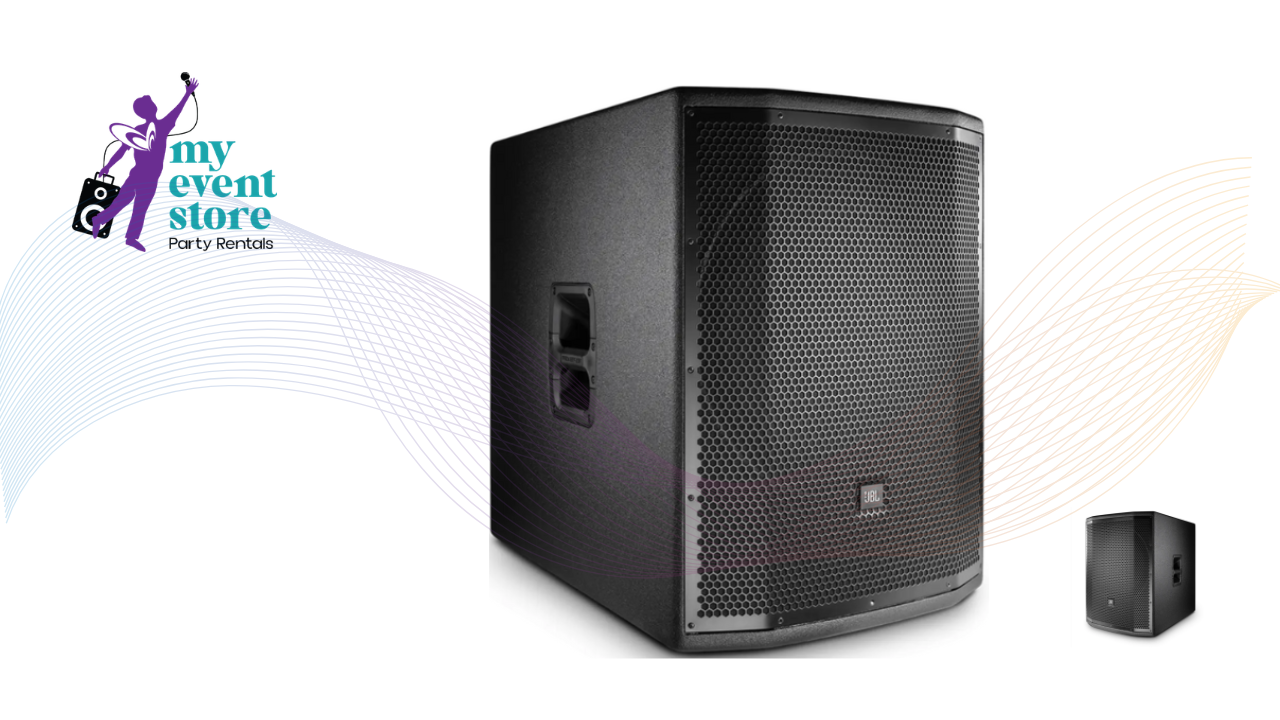
For a mid-size conference room, a pair of JBL PRX speakers handles the job. A compact presentation space might use a Bose L1 column for clean, even sound without bulk. For a ballroom, you need multiple speakers mapped to the room so the back row hears the speaker as clearly as the front.
A mixer is the device that balances every audio source, so the music, the microphones, and the video clip all sit at the right level instead of fighting each other. For a single-speaker training session, you may not need much. For a panel with four mics, a host, and video playback, a mixer is what keeps the sound clean.
This is the heart of conference AV rental in Dubai. Bundle your mics, speakers, and mixer as one coordinated audio setup, and you avoid the mismatched-gear problems that surface halfway through a session.
Your visuals carry the content. If the back row cannot read the slide or the video looks dim, the message does not land no matter how good the deck is.
The choice comes down to your room's light.
Projectors work best in dim, controlled rooms where you can dial down the lights. They give a large image at a lower cost.
LED screens stay bright and sharp even in well-lit rooms and outdoor daytime settings, which are common in Dubai.
A large LED wall needs a controller to drive it. A NovaStar processor takes your content and spreads it evenly across every panel so the picture stays sharp. For fixed displays, Samsung signage screens and Elista 4K displays give clean, high-resolution output for presentations and branded content.
Projectors are not outdated. For a training room with blinds you can close, or a conference session on a tighter budget, projector rental in Dubai gives you a big image without the cost of an LED wall. The trick is controlling the room light. If you can dim the space, a projector delivers strong value.
Someone has to feed content to the screen, and that means laptops, media players, and a switcher. A switcher is the device that moves the screen cleanly between presenters and video without an awkward blank gap or a scramble for the right cable.
Picture a panel where three speakers each have slides. Without a switcher, every handover means fumbling with adapters. With one, the screens change on cue and the audience never sees the seams.
Lighting is easy to forget and impossible to ignore once it is wrong. A speaker standing in shadow looks unprofessional in the room and worse on any recording you share later.
Your presenter needs enough light to read well for the live audience and for the camera. Flat lighting washes everything out evenly and dulls the stage. Focused lighting puts the attention where it belongs, on the person speaking.
For any event you plan to record or stream, this is not optional. Good stage light is the difference between footage you share and footage you bury.
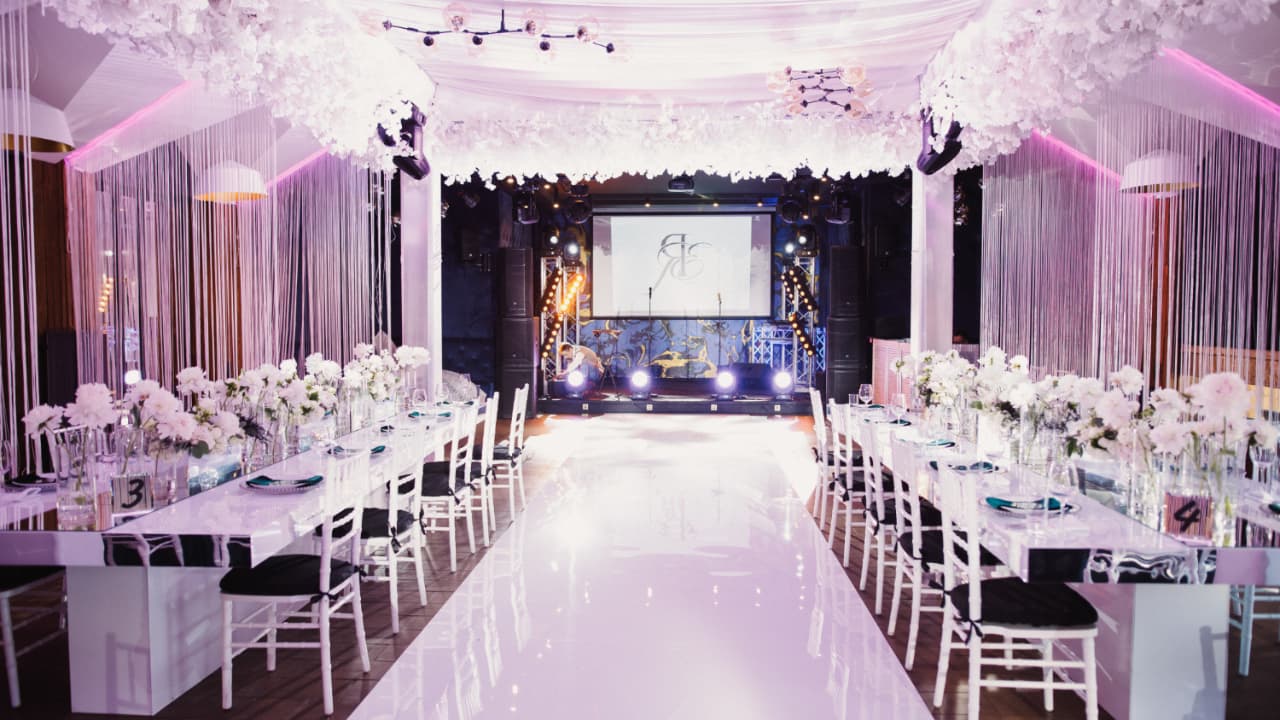
Beyond the stage, lighting sets the mood and can carry your brand. Uplighting places color along the walls, and wash lighting bathes the room in a tone that matches your event theme.
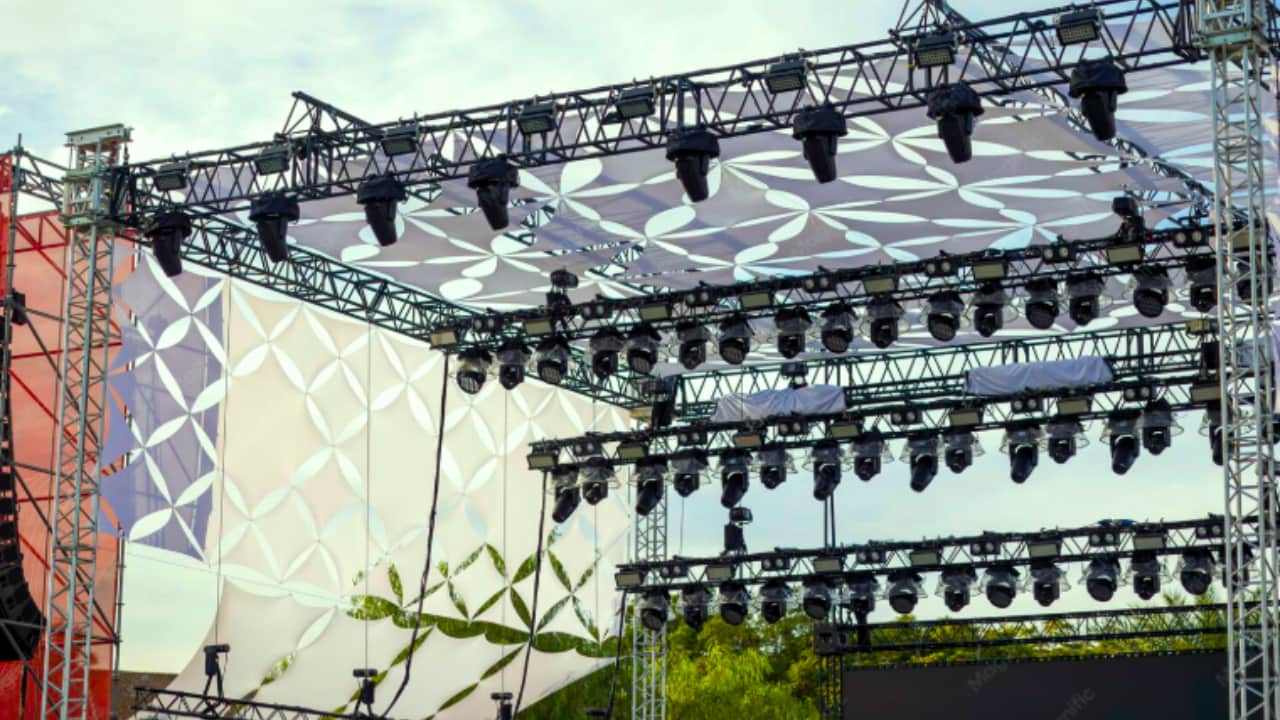
This matters most for launches, galas, and awards nights, where the room itself is part of the experience. You can set the lighting to your brand color and turn a plain hall into a space that feels intentional. For larger stages, factor in staging and trussing to rig lights and screens safely overhead.
Skip to the line that matches your event. Each setup below is a starting point you can hand straight to a rental team.
Conference or seminar: microphones for speakers and panel, speaker coverage for the room, a mixer, an LED screen or projector, a confidence monitor for presenters, stage lighting.
Product launch: a large LED screen, strong audio, dynamic lighting, a switcher for smooth content changes, reliable playback.
Town hall or internal event: clear audio first, extra mics for Q&A, a single screen, simple room lighting.
Awards night or gala: full audio coverage, a large LED screen, stage and ambient lighting, playback for video reels.
Training session: a projector or screen, one or two mics, simple audio, good even room lighting.
The gap between a smooth event and a stalled one is usually the small stuff. These items rarely make the first booking list, and they are the ones people wish they had ordered.
Backup microphones: A spare mic costs little. A dead mic during a speech costs your reputation.
Power distribution: Enough clean power, split safely across your gear, so nothing trips mid-session.
Cable runs and adapters: The one missing adapter can stall an entire setup.
Confidence monitors: A screen facing the presenter so they see their slides without turning around.
On-site technician support: Someone to run the sound, switch the screens, and fix a problem before your guests notice it.
Spare batteries: For every wireless mic and clicker, because they always fade at the worst moment.
Work through this in order. The first four answers shape everything that follows.
What type of event is it? Name the priority: audio, visuals, or atmosphere.
How big is the room and the crowd? Match coverage to headcount.
Indoor or outdoor? This sets your screen and power choices.
How long do you need the gear? Rentals usually run per day.
Audio: microphones for every speaker, speaker coverage for the room, a mixer.
Visuals: LED screen or projector, a controller or processor, a switcher, playback.
Lighting: stage light for presenters, ambient or branding light for the room.
Extras: backup mics, power distribution, adapters, confidence monitor, spare batteries.
Support: an on-site technician for anything beyond a simple setup.
If you can answer all nine before you request a quote, you will get a number that matches your event instead of a guess.
Splitting your AV across three vendors turns you into an unpaid project manager. One company for the whole setup means one point of contact, one delivery schedule, and one team accountable when the room needs to be ready.
MyEventStore is a Dubai-based rental company with warehousing in Sharjah and delivery across all Emirates. The gear is owned and maintained in-house, from Shure microphones and JBL and Bose speakers to NovaStar controllers, Samsung and Elista displays, and Yamaha consoles. One team coordinates the audio, visuals, and lighting for events ranging from boardroom meetings to full ballroom productions.
"The two mistakes we see most are a screen sized for the wrong room and a single mic with no backup," says the Technical Director at MyEventStore. "At a DWTC hall or a Downtown Dubai hotel, the load-in window is tight, so we plan the whole setup as one system. That is how the room is ready before the doors open."
Planning a corporate event in Dubai? Share your venue, guest count, and date, and you can get a single AV setup matched to your room, with one team responsible for all of it. Talk to our team on WhatsApp, or browse the rental categories to see the stock first.
1. How much does audio visual rental cost for a corporate event in Dubai?
It depends on your gear tier, event duration, room size, and whether you need delivery, setup, and a technician. A small boardroom setup costs far less than a full ballroom production. Ask for a complete quote built around your venue and date, and confirm that delivery, setup, and backup gear are included rather than added later.
2. Do I need a projector or an LED screen for my event?
It comes down to room light. A projector works well in a dim, controlled room and gives a large image at a lower cost. An LED screen stays bright and sharp in well-lit rooms and outdoor daytime events, which are common in Dubai. If you cannot fully dim the space, choose LED.
3. Does AV rental in Dubai include a technician on site?
Some rentals do, and some bill it as a separate line. Always confirm. For anything beyond a very simple setup, an on-site technician is worth the cost, because someone needs to run the sound, switch the screens, and solve a problem before your guests notice.
4. How far in advance should I book AV equipment for a corporate event?
Book as early as you can, especially during peak season and around major dates. Popular gear and full setups get reserved first, so a lead time of several weeks gives you better choice and a calmer setup day. For large events at busy venues like the DWTC, earlier is always better.