A successful conference AV setup starts with planning the event format, room layout, audience size, and speaker needs.
Sound, screens, lighting, staging, and technical support should be treated as one connected setup.
The right AV planning helps your conference feel more professional, organized, and easier to follow.
Small technical issues can affect the full event experience, so pre-event checks matter.
A checklist keeps organizers focused and helps reduce last minute confusion on event day.
A well-run conference looks effortless from the outside. Speakers walk on stage smoothly. Presentations appear at the right time. The audience hears every word clearly. The room feels polished, balanced, and professional.
What guests do not always see is how much of that depends on AV planning.
For conferences in Dubai, the standard is high. Whether the event is taking place in a hotel ballroom, a business venue, an exhibition hall, or a private conference space, the AV setup plays a major role in how the event is experienced. If the sound drops, if the screen is hard to read, or if transitions feel clumsy, the quality of the event is affected immediately.
That is why having a proper conference AV setup checklist matters. It helps organizers stay ahead of technical gaps and make sure the event is ready before the first guest arrives.
A conference is not like a casual gathering. It usually follows a schedule, has multiple speaking moments, presentation content, branding expectations, and a room full of people who need to stay engaged for long periods.
The AV setup supports all of that.
It affects:
how clearly speakers can be heard
how well presentation slides can be seen
how the stage looks in photos and videos
how professional the full event feels
how smoothly sessions move from one segment to the next
This is why conference AV should never be treated as a last-minute item. It should be part of the planning process from the start.
Before thinking about equipment, define what kind of conference you are hosting.
Ask yourself:
Is it a half day seminar or a full day conference?
Will there be keynote speakers, panels, or fireside chats?
Will presenters use slides or videos?
Will there be a moderator?
Is there a Q and A session?
Will the event be recorded or photographed?
Is the audience seated classroom style, theatre style, or around tables?
The answers shape the entire AV setup.
A single-speaker business seminar will need a different structure from a multi-session corporate conference. The clearer the format is, the easier it becomes to plan the technical side properly.
The venue is one of the biggest factors in conference AV planning. Two venues with the same guest count can still need very different setups depending on room dimensions, ceiling height, acoustics, stage position, and screen visibility.
Before finalizing anything, review:
room size
stage area
guest seating layout
screen sight lines
power access
entry and setup timing
ceiling limitations
ambient light in the room
This step helps determine what kind of audio visual equipment rental in Dubai support is actually needed.
A venue may look suitable on paper, but if the audience at the back cannot see the screen properly or hear clearly, the experience suffers.
Audio is one of the most important parts of any conference. Guests may forgive a simple backdrop, but they will notice unclear sound immediately.
A conference sound setup usually depends on:
number of speakers
room size
whether the audience will ask questions
whether there is a panel discussion
whether video playback is included
In many cases, organizers may need:
wireless handheld microphones
lapel microphones
podium microphones
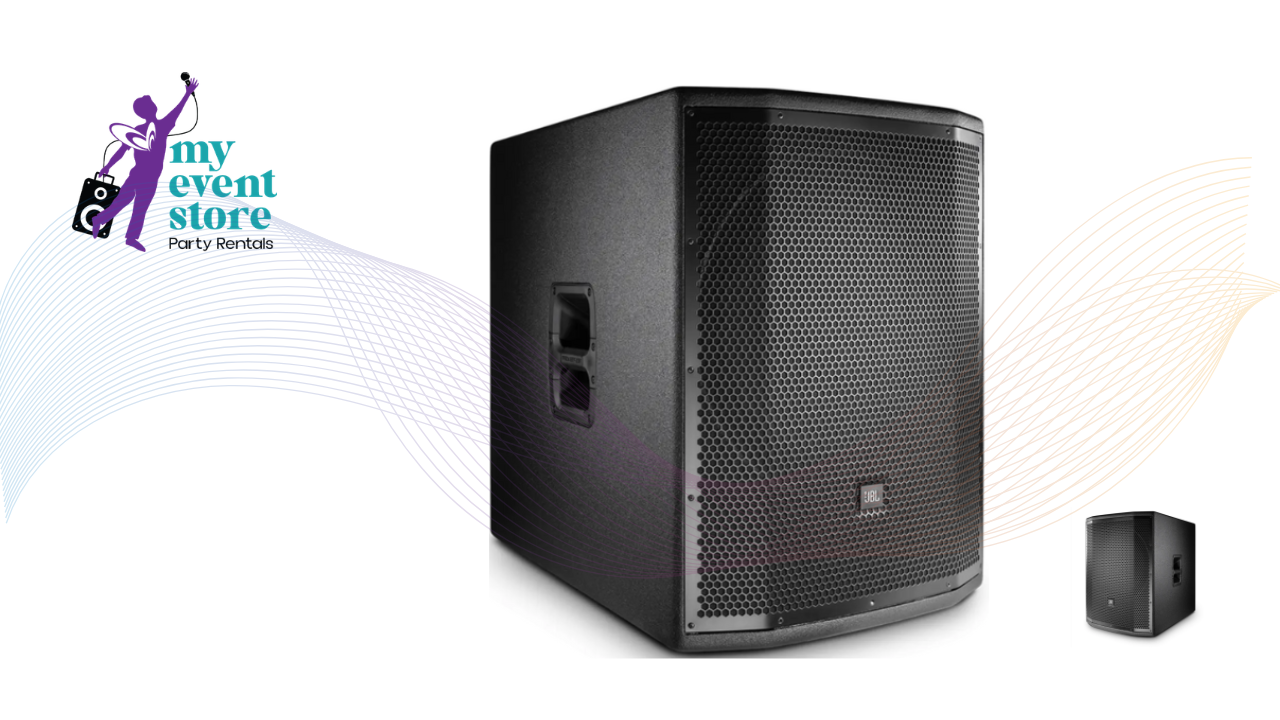
speaker systems suited to the room
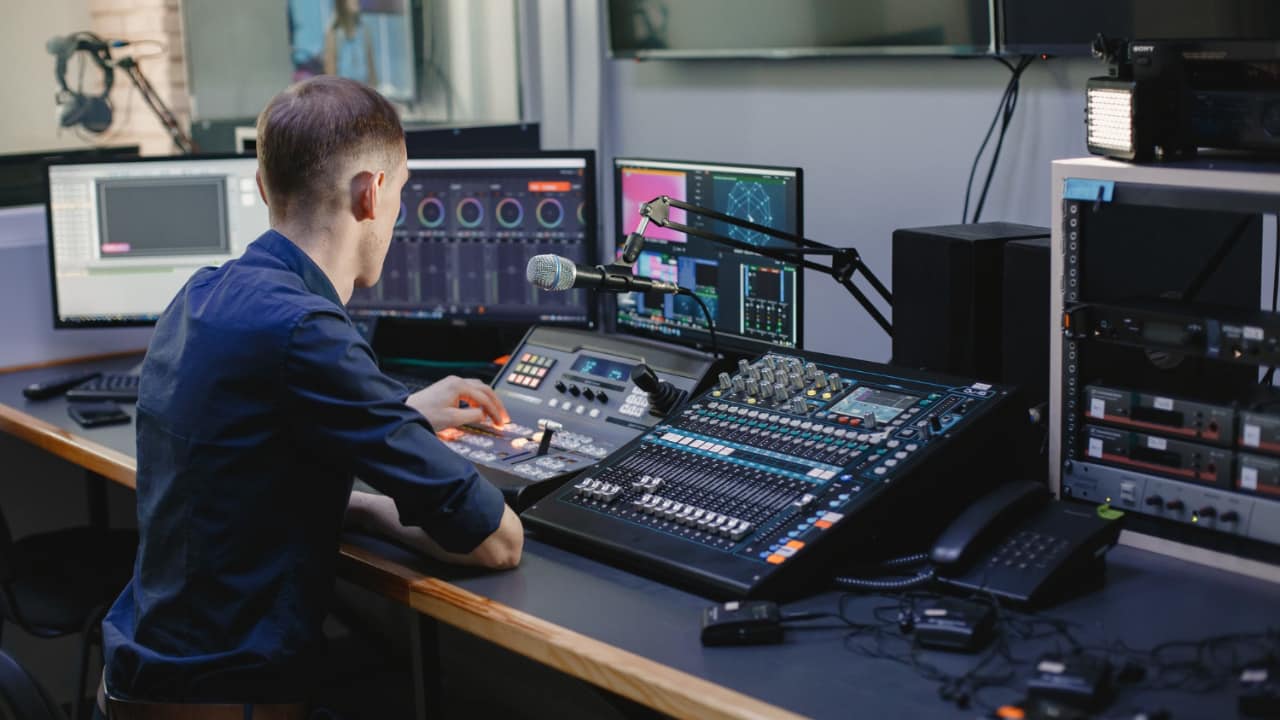
audio mixing support
monitor speakers if presenters need them
If your conference includes multiple speakers or audience participation, proper sound system rental planning becomes essential.
One common mistake in conference planning is choosing a screen that is either too small or poorly placed for the audience.
The screen setup should match:
number of attendees
distance from the farthest seats
content type
stage width
room lighting conditions
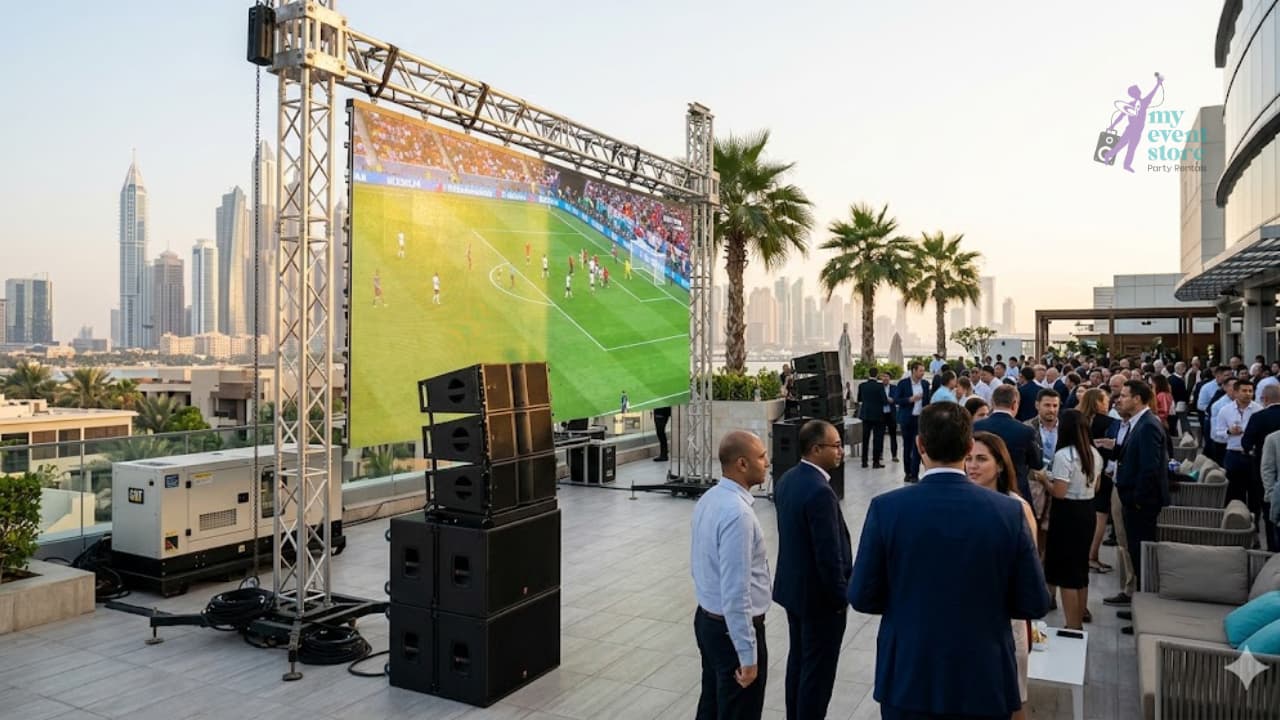
For smaller business events, projection may work. For larger conferences or branded stage settings, LED screen rental Dubai often creates a cleaner and more visible solution.
The goal is simple. Every guest should be able to read the content comfortably without straining. That includes presentations, names, logos, charts, and speaker visuals.
Not all conferences use content in the same way. Some rely heavily on slide presentations. Others use videos, branded motion graphics, speaker name screens, or sponsor content.
This is why AV planning should include content review.
Check:
what file formats presenters are using
whether videos are included
if there are embedded fonts or animations
whether branding visuals need to appear between sessions
if the same laptop will be used throughout or multiple devices will connect
Content and AV should work together. A strong screen setup alone is not enough if the files are not tested properly before the event.
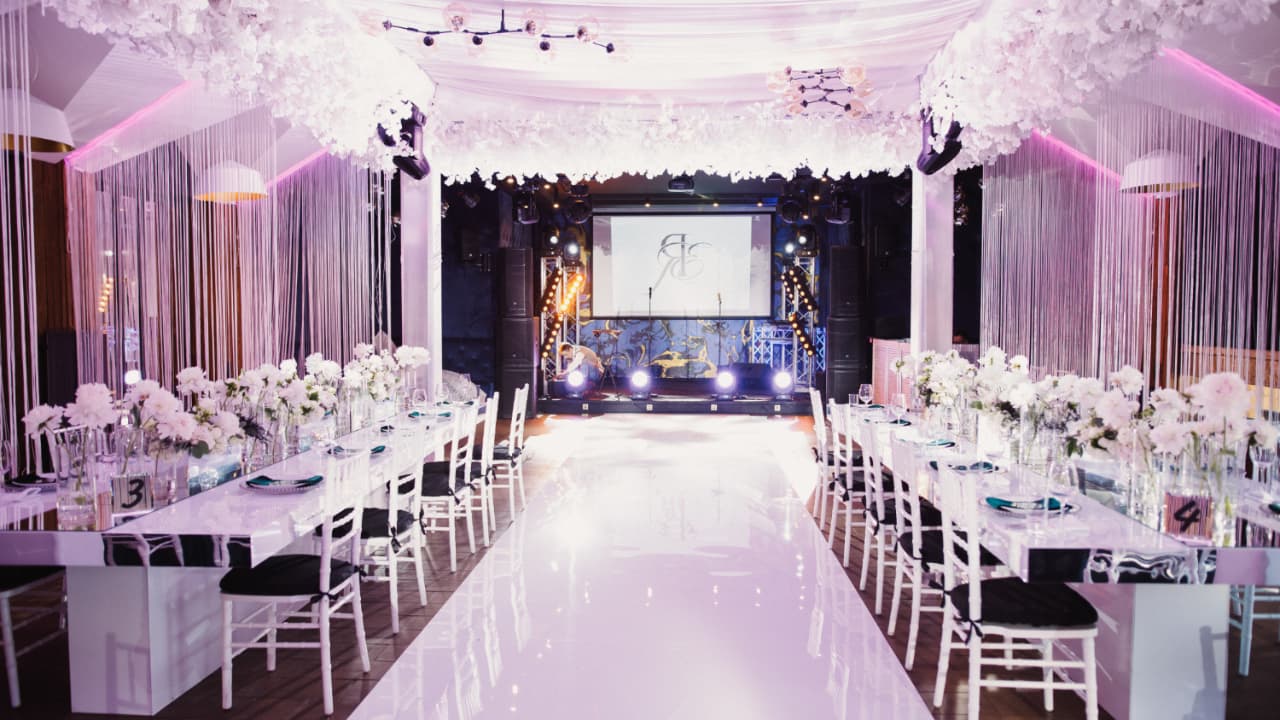
The conference stage should support the event flow. It should feel balanced, easy to navigate, and visually aligned with the AV setup.
Consider:
where the speaker will stand
whether a podium is needed
where the screen will sit in relation to the stage
whether panel seating is involved
how presenters will enter and exit
whether the stage needs basic branding or scenic support
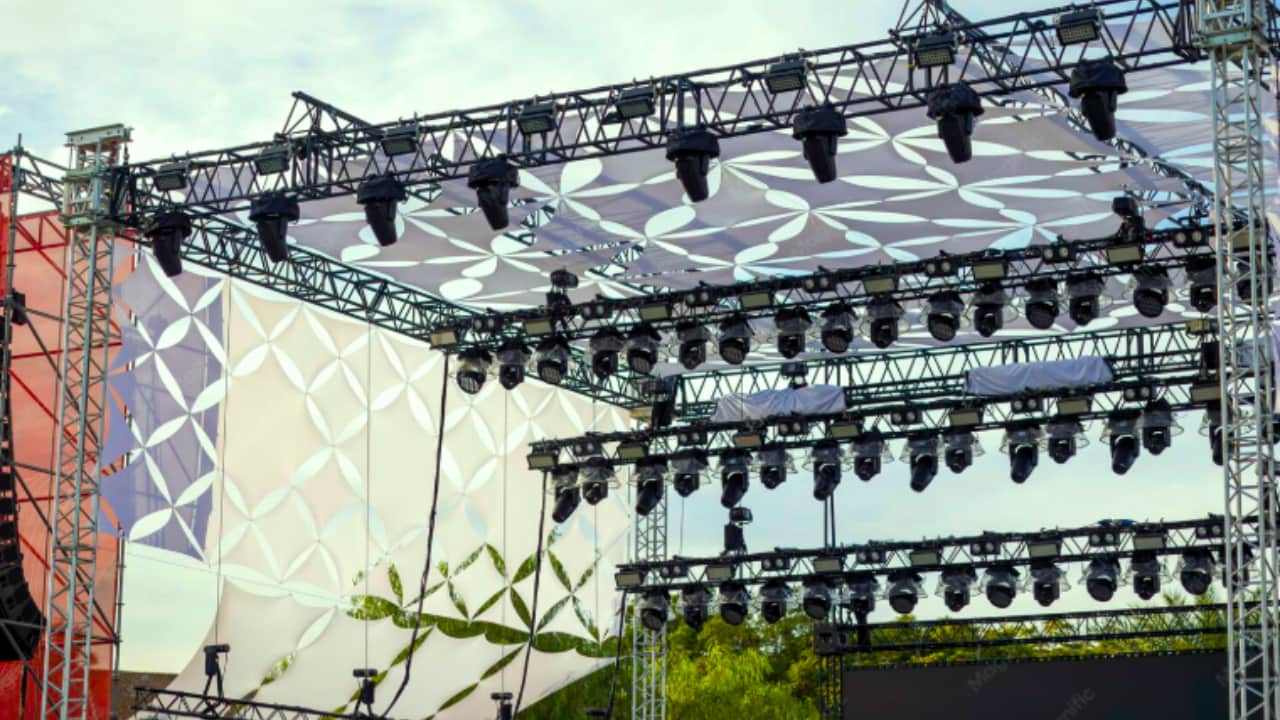
Lighting is often underestimated in conferences. Many organizers assume venue lighting is enough, but that is not always the case.
Conference lighting can improve:
speaker visibility
stage presence
image quality in photos and videos
brand atmosphere
audience focus
Even a simple lighting plan can lift the look of the event. Basic front lighting, stage wash, or subtle uplighting can make the room feel far more polished.
When paired with screens and staging, lighting can help the conference feel complete rather than functional.
Even with careful planning, live events can change. A speaker may arrive with a different laptop. A microphone may need to be switched quickly. Presentation timing may shift. A panel segment may run longer than expected.
This is why technical support matters.
A conference AV setup should ideally include:
pre-event setup
soundcheck
presentation testing
live technician support
help during transitions
breakdown after the event
This support helps protect the event from small technical issues that could otherwise disrupt the schedule.
Before event day, the organizer should confirm a final AV checklist with the provider. This helps avoid confusion and gives everyone a clear point of reference.
Your checklist should include:
final event schedule
speaker list
microphone requirements
screen and display setup
presentation file status
stage layout
technician timing
venue access time
setup completion deadline
emergency contact person
This is where good planning becomes visible. A proper checklist creates clarity for both the organizer and the AV team.
Conferences rarely run exactly as planned. Speakers go over time. Session orders change. Guests arrive late. Last minute requests happen.
So while structure matters, flexibility matters too.
The best conference AV setups are not just technically correct. They are practical. They allow the event to adapt without losing control of the experience.
That is why many organizers prefer working with one team for AV rental Dubai rather than trying to coordinate separate vendors for sound, screens, lighting, and staging. One coordinated setup usually means fewer gaps and smoother execution.
A conference can have great speakers, strong branding, and a good venue, but if the AV setup is weak, the whole experience can feel less professional than it should.
That is why a proper conference AV setup checklist is so useful. It helps organizers think beyond equipment and focus on how the full conference will actually function on the day.
From sound and screens to stage layout, lighting, and technical support, every detail plays a role. When these elements are planned together, the conference becomes easier to follow, more polished to attend, and more effective overall.
If you are preparing for an upcoming conference in Dubai, the smartest step is to review the AV setup early and make sure every technical need is covered before event day arrives.
A conference AV setup usually includes sound systems, microphones, screens or LED displays, lighting, staging support, and technical assistance during the event.
It is best to plan AV as early as possible so the setup can be matched to the venue, event format, and presentation needs without last minute pressure.
Yes. Even smaller conferences benefit from proper sound, clear visuals, and technical coordination. It helps the event feel more organized and professional.
Not always. It depends on the audience size, venue layout, and content requirements. Some smaller events may work well with projection, while larger conferences may need LED screens.
Technical support helps manage setup, testing, transitions, and live problem solving so the conference runs smoothly from start to finish.